Home / Wallet Guide
BDG Game Wallet
Learn where to find the BDG Game wallet, deposit options, withdrawal form, and payment history. Keep bank and transaction details private.

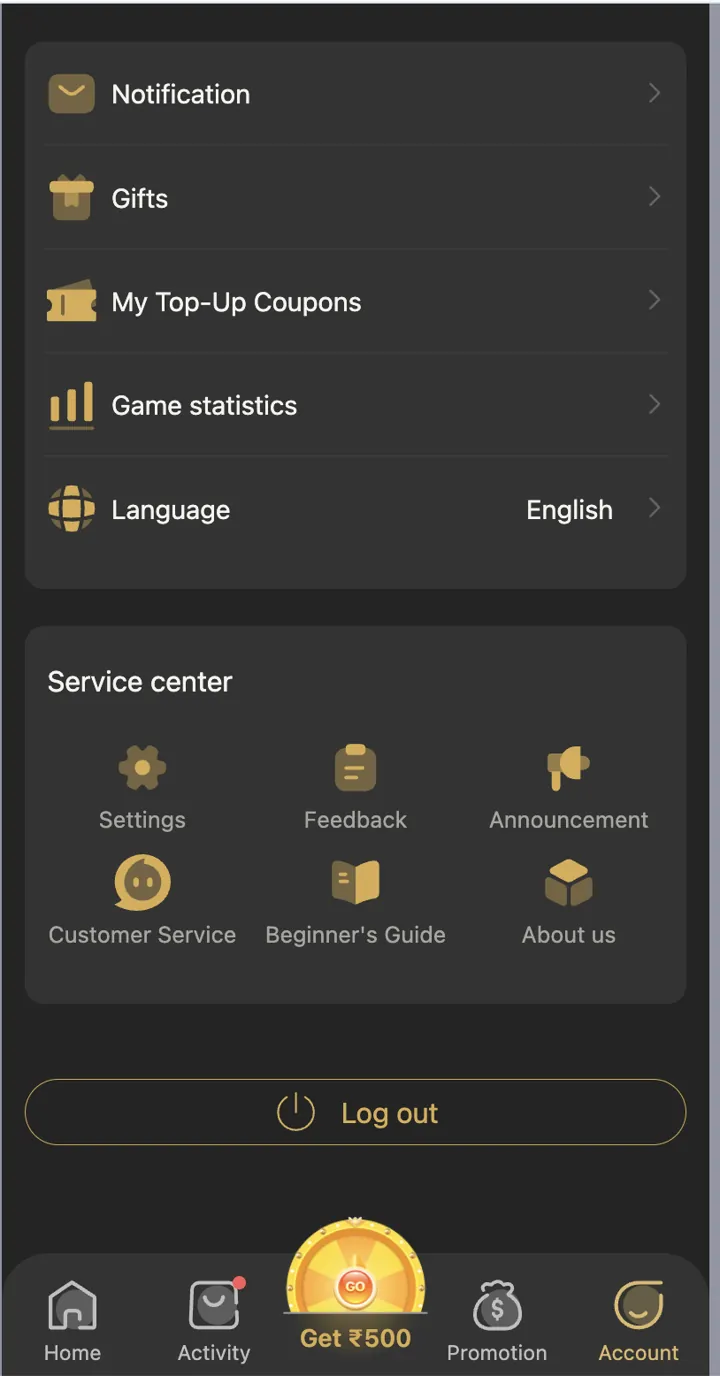
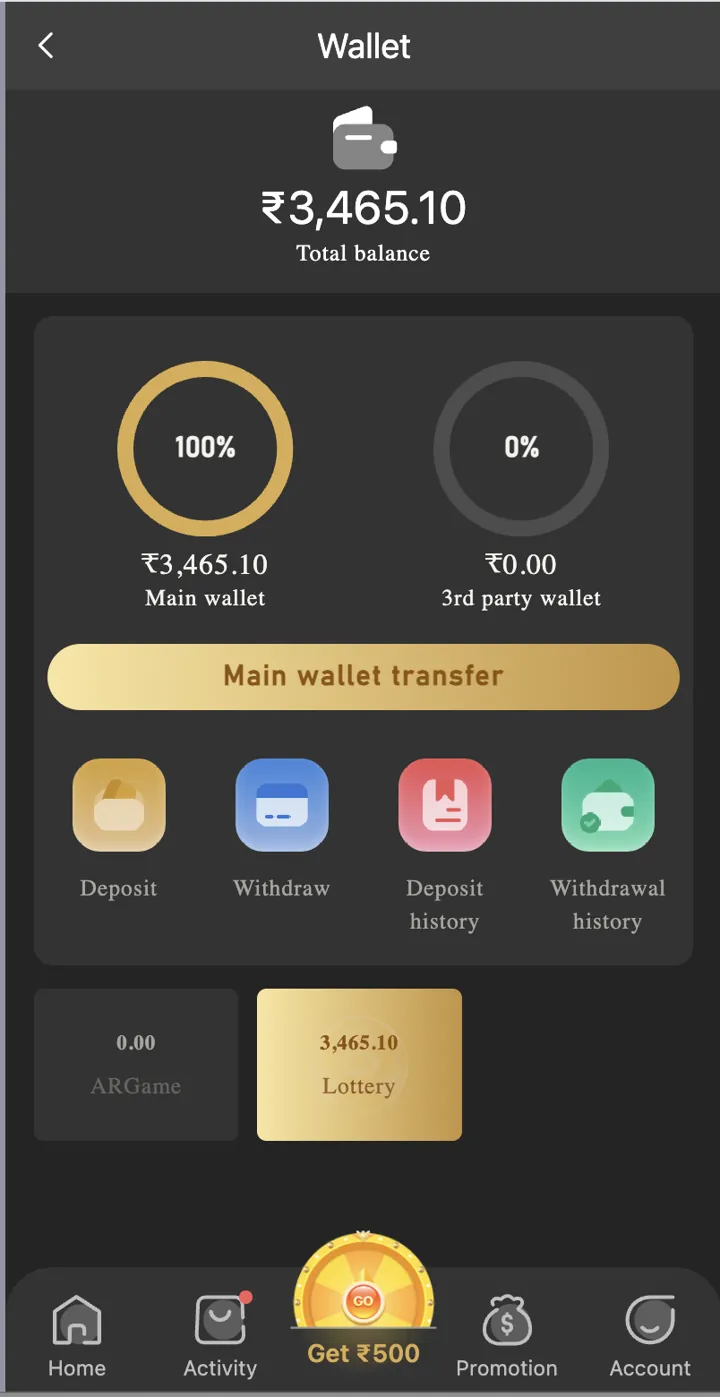
Open your wallet
The Wallet page has balance information and shortcuts for Deposit, Withdraw, Deposit History, and Withdrawal History. Use the matching option for the task you need.
Check a deposit
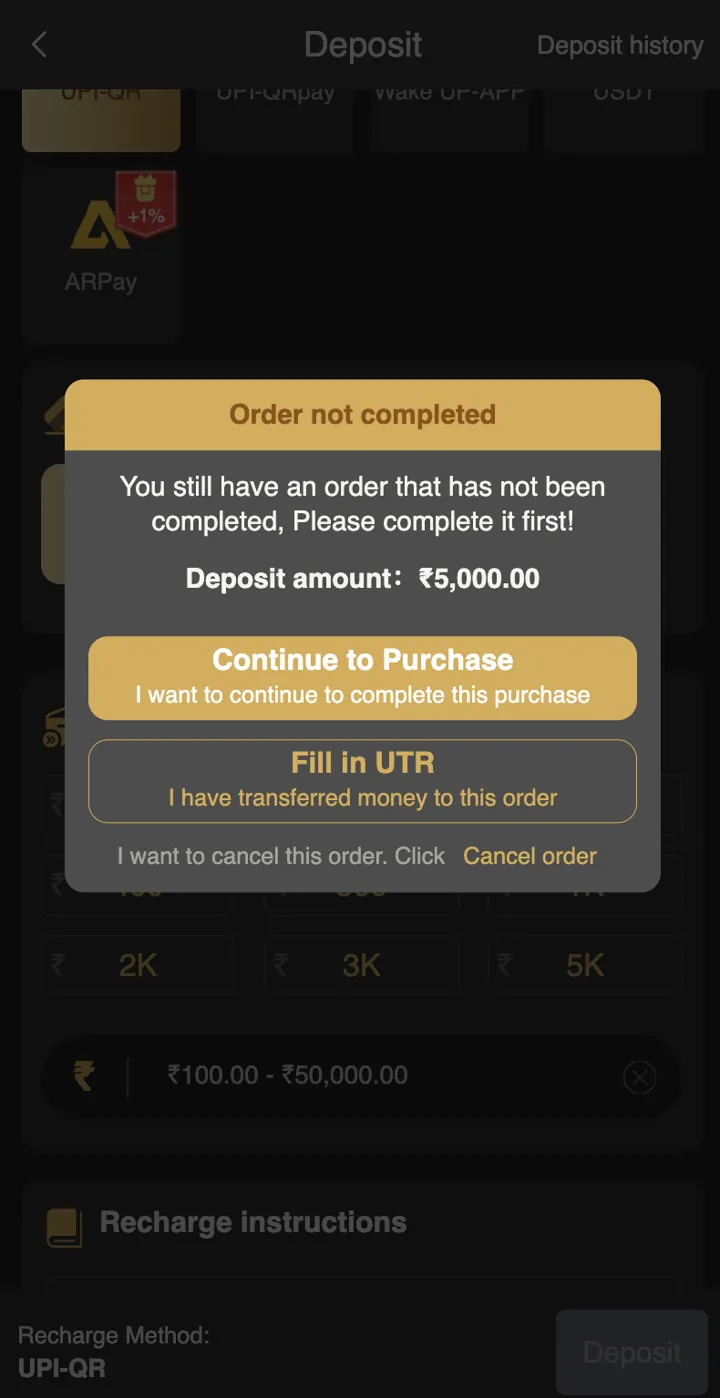
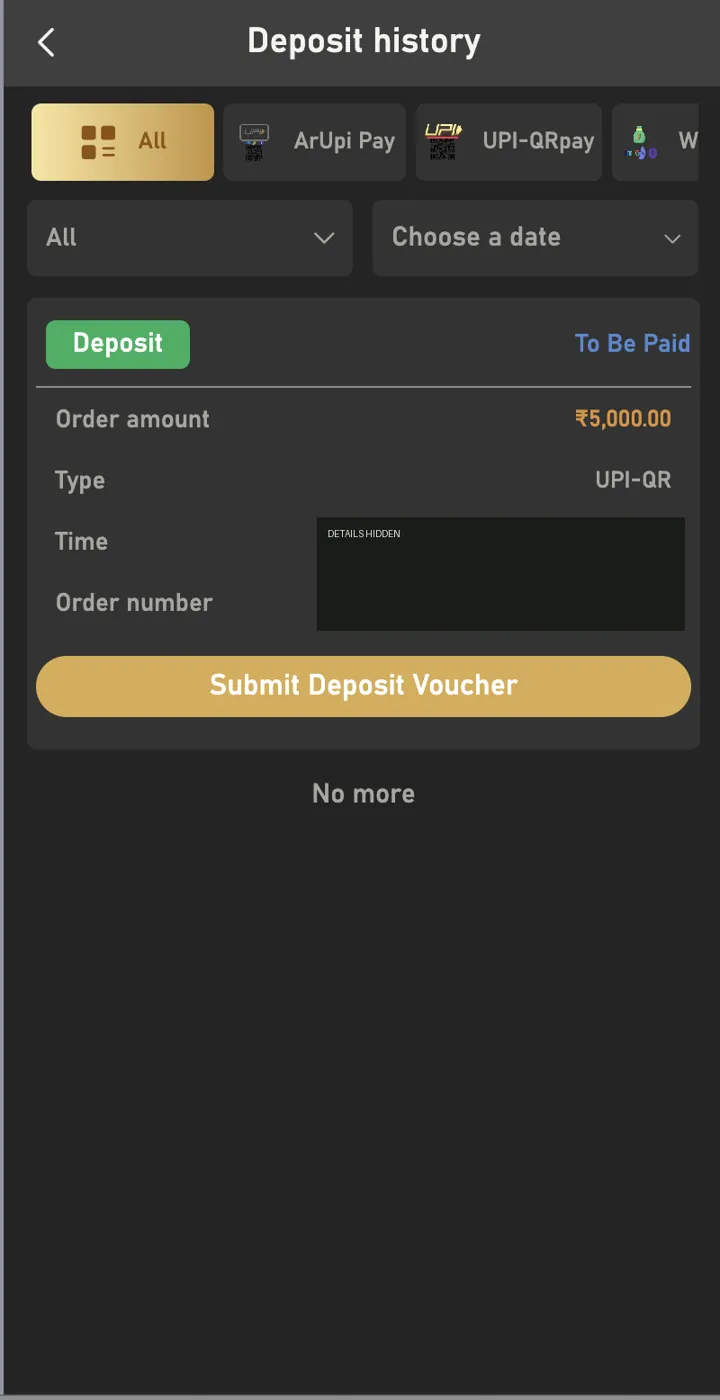
Use Deposit History to check an order and its status. Keep your own payment record. Do not assume an order is complete just because it appears in the list.
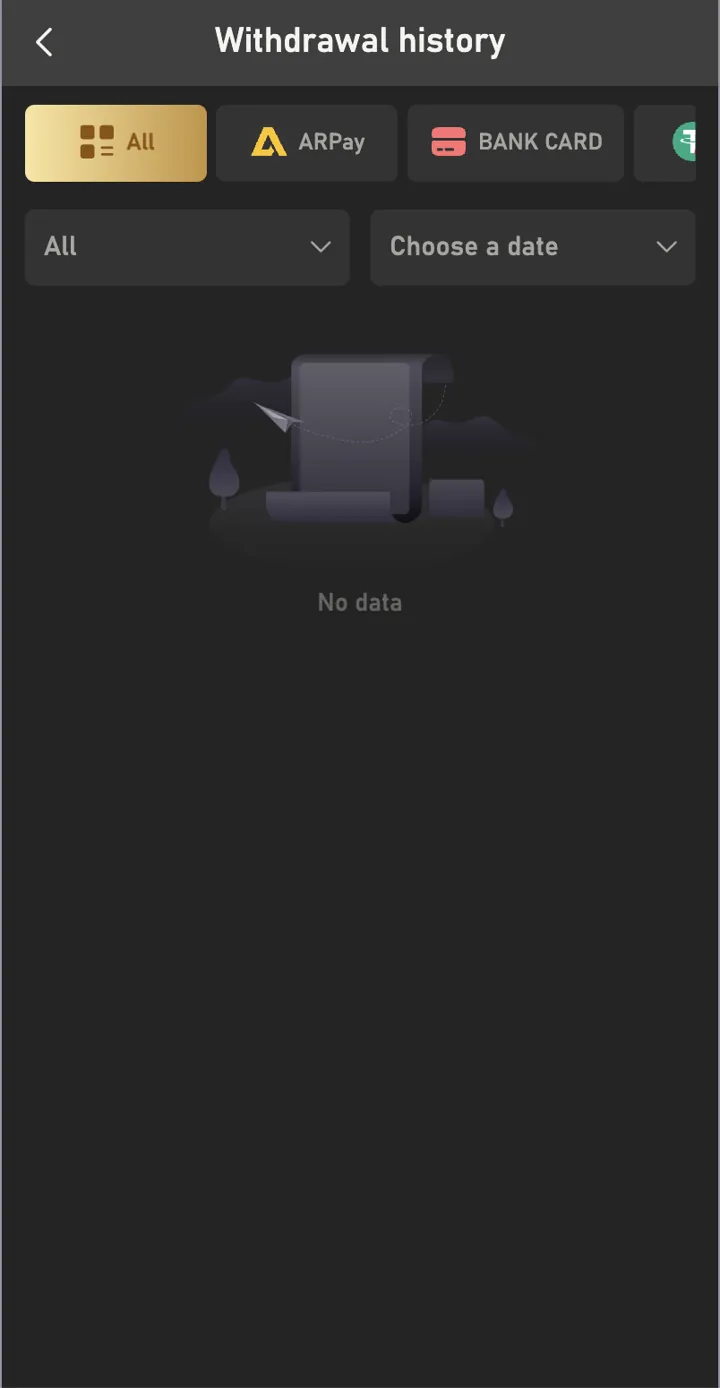
Review a withdrawal
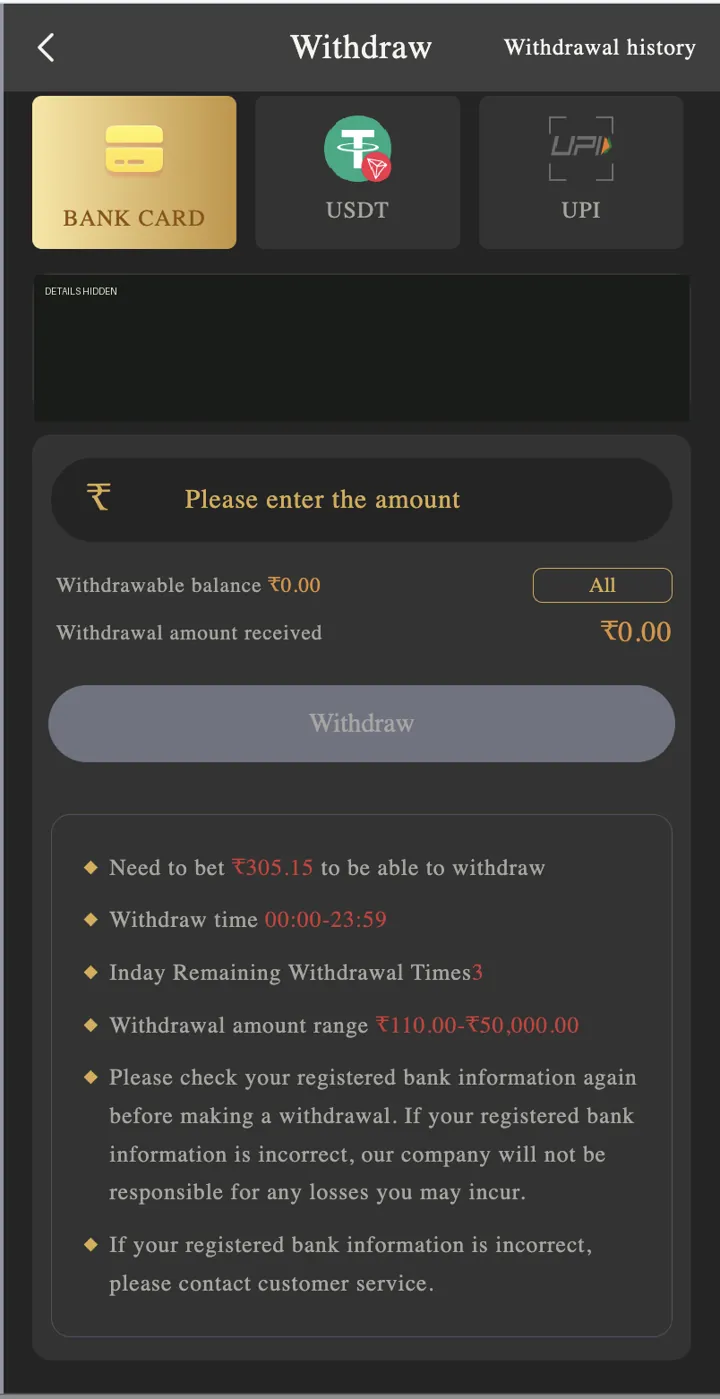
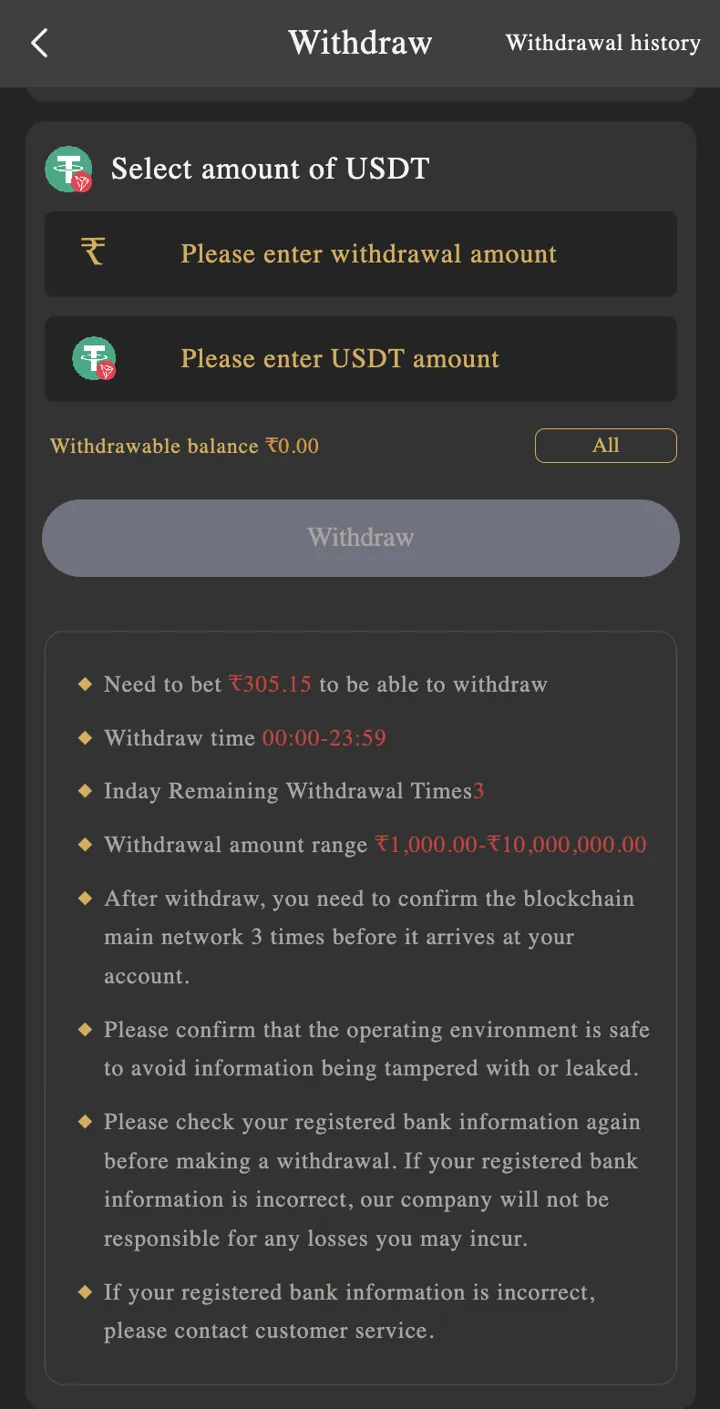
The withdrawal page has payment-method tabs and an amount field. Read the current limits, requirements, and charges before submitting. Processing times and outcomes are not guaranteed here.
Protect your payment details
Keep bank details, payment QR codes, and transaction numbers private. The images on this page have sensitive details hidden. Never send money to a stranger who promises to unlock your account.
More pages
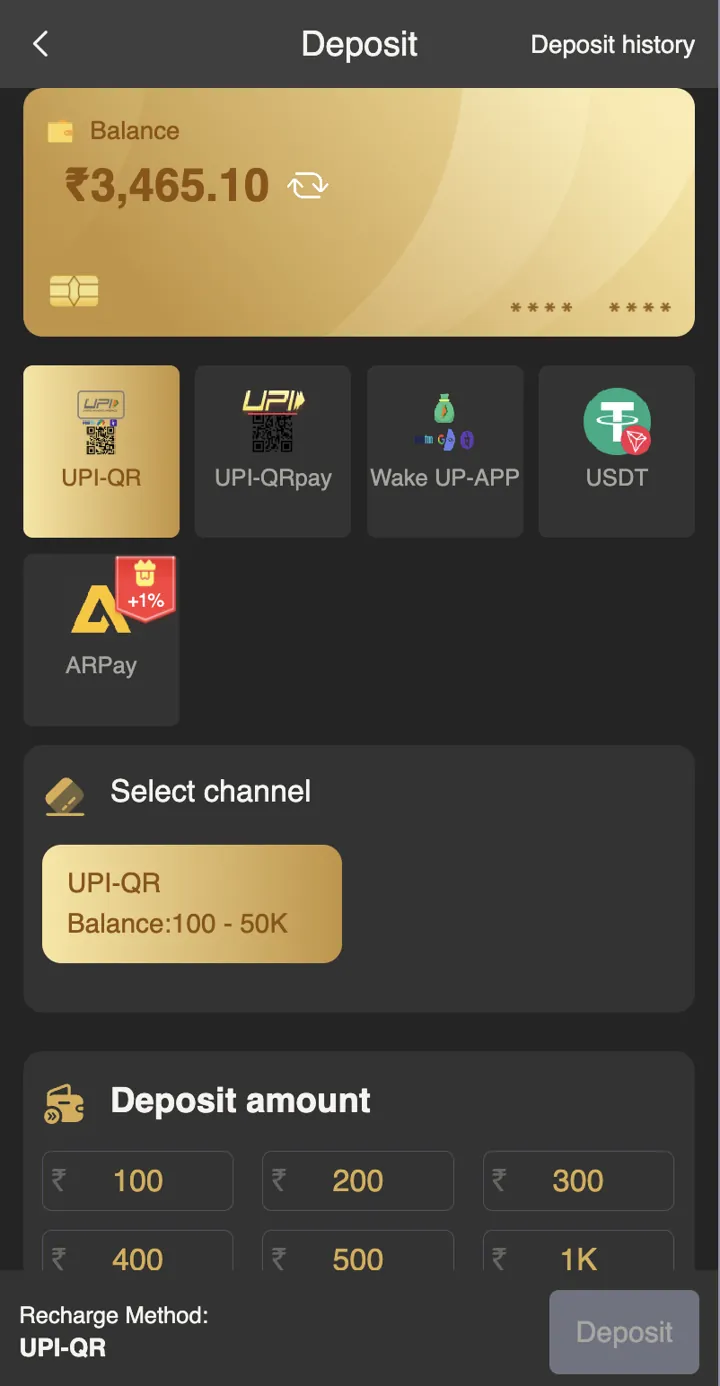
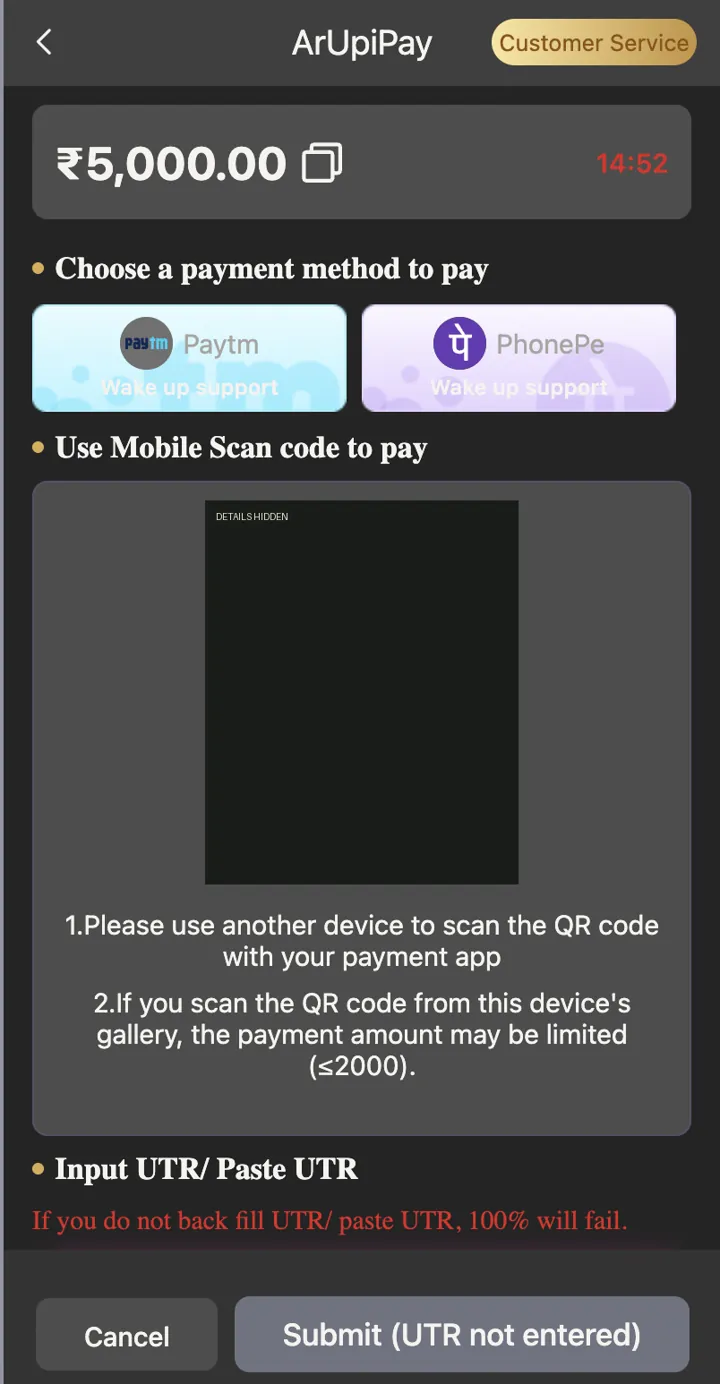
Visit the BDG Game home page for login, registration, app options, and game categories.
Follow the deposit steps or withdrawal steps on our home page.